AI UX Engineering·21 min read·February 23, 2026
Latency Is a UX Problem: Engineering Perceived Performance When AI Models Think
The 100-millisecond rule that governed web performance for two decades breaks down when your backend needs three seconds to think. The teams winning the AI UX race are not making models faster — they are making waiting feel like progress.

Viktor BezdekEngineering / Product Leadership
Here is a number that defined web performance for twenty years: 100 milliseconds. That is the threshold where an interaction feels instant. Below it, users perceive cause and effect as simultaneous. Above it, they start noticing a gap. At 300 milliseconds, the gap becomes conscious. At one second, they start to wonder if something is wrong. At three seconds, they leave. Jakob Nielsen published these thresholds in 1993 and they held remarkably well through the desktop era, the mobile era, and the early SaaS era. Then AI happened.
A typical large language model inference takes between 500 milliseconds and 8 seconds depending on the prompt complexity, context window size, and model capability. Image generation takes 5 to 30 seconds. Complex agent workflows that chain multiple model calls take 15 to 60 seconds. Every one of these exceeds the three-second abandonment threshold — sometimes by an order of magnitude. If you apply the old performance rules, every AI feature is a usability disaster. And yet ChatGPT has hundreds of millions of users. Cursor is the fastest-growing developer tool in history. Midjourney built a multi-billion dollar business on thirty-second waits. Something does not add up.
What these products discovered — and what most teams building AI features have not — is that the relationship between latency and user experience is not about the clock. It is about the perception of progress, the communication of effort, and the value proposition of what arrives at the end. The teams winning the AI UX race are not the ones with the fastest models. They are the ones with the best latency design.
Why the Old Rules Break
The 100ms/1s/3s framework was built for request-response interactions. Click a button, get a page. Submit a form, get a confirmation. The mental model is transactional: I ask, the system answers. Delay in this model feels like system failure because there is no visible reason for the wait. The system should know the answer — why is it taking so long?
AI interactions are fundamentally different. The user is not asking for a lookup — they are asking for a creation. When someone prompts an AI to write a marketing strategy or generate a design variant or analyze a codebase, they understand intuitively that the task takes effort. This is the critical insight: users extend dramatically more patience to tasks they perceive as cognitively complex. A two-second delay on a Google search feels broken. A two-second delay on an AI-generated code review feels fast. The same objective latency produces opposite subjective experiences because the user's mental model of the task is different.
This does not mean latency does not matter for AI. It means the design challenge is different. You are not trying to eliminate wait time. You are trying to make wait time feel productive, transparent, and proportional to the task. The tools for doing this are well established but poorly adopted. Let me walk through the five patterns that separate excellent AI latency design from the default loading spinner.
Pattern 1: Streaming Responses — The Illusion of Thinking Aloud
Streaming is the single highest-impact latency pattern for AI interfaces and the one that most fundamentally changed user expectations. Instead of waiting for the complete response and then displaying it, stream tokens as they are generated. The user sees the AI 'writing' in real time. Time-to-first-token becomes more important than time-to-completion.
ChatGPT made this pattern mainstream, but the implementation details matter enormously. The naive approach — stream raw tokens at the rate they are generated — creates a jittery, uneven reading experience because token generation speed varies with complexity. The best implementations add a small buffer (50-100ms) to smooth out the token flow, creating a steady typing rhythm that feels natural. Some products go further: Anthropic's Claude streams at a pace calibrated to comfortable reading speed, holding back tokens when generation outpaces reading to prevent the text from racing ahead of comprehension.
The psychological mechanism is displacement of attention. When text is appearing word by word, the user's attention is consumed by reading what has already appeared rather than waiting for what has not. A thirty-second generation that streams from the first second feels dramatically shorter than the same content delivered all at once after thirty seconds. The objective wait time is identical. The subjective experience is not even close.
Pattern 2: Skeleton UI and Speculative Rendering
Not every AI output can be streamed. Image generation, complex analysis, structured data transformations, and multi-step agent workflows produce outputs that are either complete or not — there is no meaningful partial state. For these cases, skeleton UI and speculative rendering fill the gap.
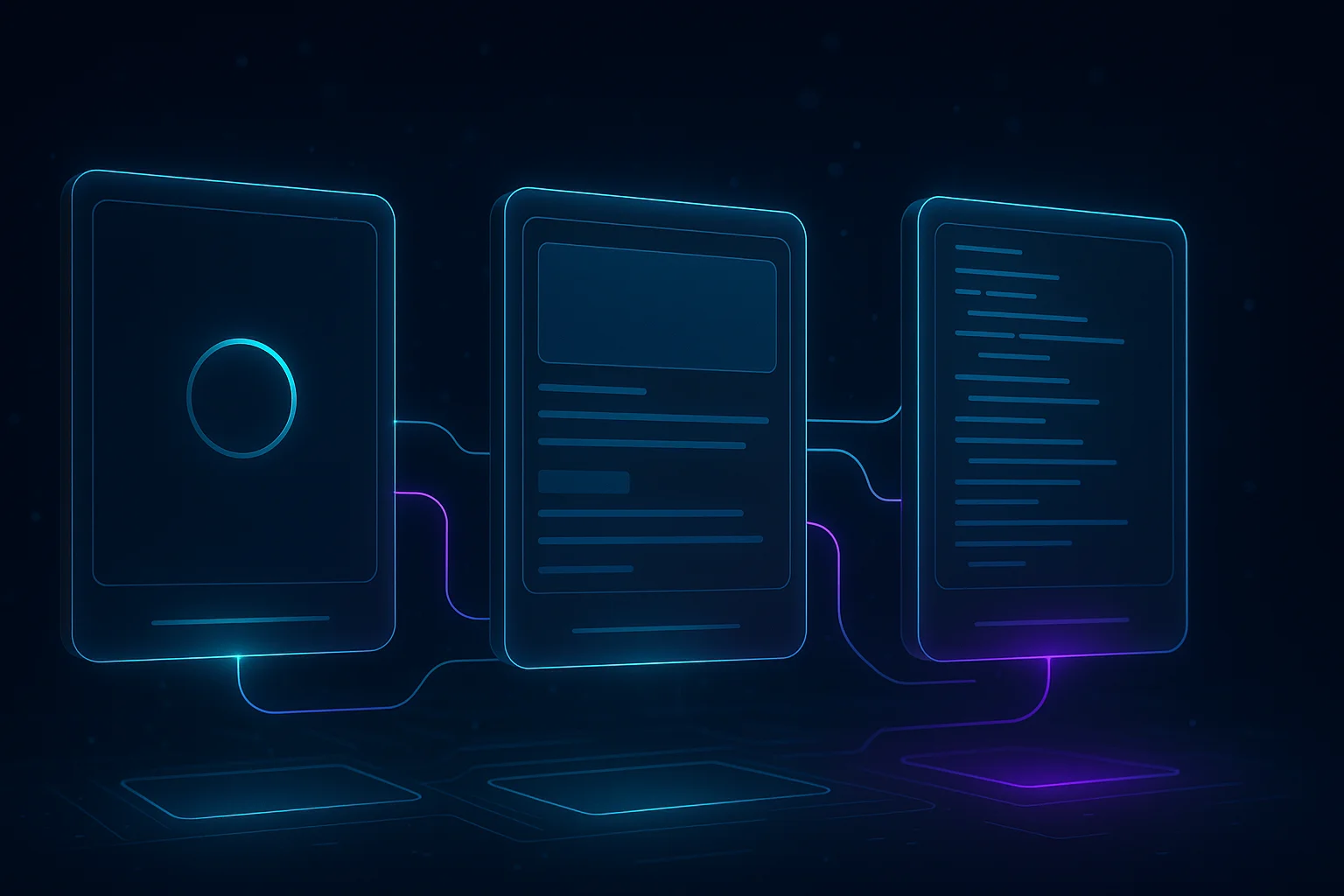
Skeleton UI shows the structure of the expected result before the result arrives. If the AI is generating a report with three sections, show three content blocks with pulsing placeholder bars immediately. If it is generating an image, show the frame at the expected dimensions with a generation progress indicator. The skeleton communicates two things: the system is working, and here is what you are going to get. Both reduce uncertainty, which reduces perceived wait time.
Speculative rendering goes further. If you know the likely structure of the AI's output — because you have seen thousands of similar outputs — you can pre-render parts of the interface before the AI responds. A code completion tool might render the surrounding code context and syntax highlighting before the suggestion arrives. An email drafting tool might render the email header, recipient line, and subject before the body is generated. When the AI output arrives, it slots into an already-rendered frame rather than building the entire view from scratch.
Pattern 3: Optimistic UI With Graceful Rollback
Optimistic UI is a pattern borrowed from real-time collaboration tools that is underused in AI interfaces. The principle: show the user the expected outcome immediately and correct later if the AI produces something different. When a user asks an AI assistant to schedule a meeting, show the calendar event immediately with a subtle 'confirming...' indicator. When they ask for a code refactor, apply the most likely transformation instantly and let the AI either confirm or revise it.
This requires predicting the AI's output before it arrives, which sounds circular. But in practice, many AI interactions have highly predictable outcomes. If a user asks to 'make this text more concise,' the output will be shorter. You can immediately collapse the text container and show a loading state within it. If they ask to 'translate this to French,' the output will be roughly the same length in a different language. You can show a French-language placeholder immediately. The optimistic UI does not need to predict content — it needs to predict structure.
Optimistic AI interfaces do not need to predict content. They need to predict structure. The user asked for a translation — show the structural frame of a translated document instantly and let the actual content arrive inside it.
The rollback mechanism is critical. When optimistic UI gets it wrong — the AI's actual output differs significantly from the predicted structure — the correction must be smooth, not jarring. Animate the transition from predicted to actual. If the output is longer than expected, expand the container smoothly. If the structure differs, crossfade rather than snap. The cost of a wrong optimistic prediction is small if the rollback is graceful. The cost of not using optimistic UI at all is the full weight of the latency on every interaction.
Pattern 4: Latency Budgets as a Design Tool
Web performance engineers have used latency budgets for years — a total time budget (say, 3 seconds for page load) allocated across network, parsing, rendering, and JavaScript execution. AI products need the same discipline, but the budget categories are different.
An AI interaction latency budget breaks down into: prompt preparation (tokenization, context assembly, RAG retrieval), model inference (the actual thinking), response processing (parsing, validation, formatting), and UI rendering (displaying the result). Most teams optimize only model inference and ignore the rest. But prompt preparation — especially RAG retrieval and context window management — often accounts for 30 to 50 percent of total latency. And UI rendering, including the perceived performance patterns we have discussed, determines how the user experiences whatever latency remains.

- Prompt preparation: context assembly, RAG retrieval, tokenization — often 30-50% of total latency and the most overlooked optimization target
- Model inference: the actual generation — optimize with model selection, caching, quantization, and speculative decoding
- Response processing: parsing structured outputs, validation, safety checks — parallelize where possible
- UI rendering: streaming, skeleton states, optimistic UI — this phase determines perceived latency regardless of actual latency
Pattern 5: Tiered Model Routing
The final pattern is architectural rather than perceptual: route requests to different models based on the latency budget available. A typing suggestion needs to complete in under 200 milliseconds — route it to a small, fast model. A document analysis can take 10 seconds — route it to a large, capable model. A background task that the user will check later can take minutes — route it to the most capable model available regardless of speed.
This is not just about model size. It is about matching the user's temporal expectations to the system's capability investment. Cursor implements this brilliantly: tab completions use a fast model that responds in milliseconds, inline edits use a medium model that streams in seconds, and full-file refactors use the most capable model available and show progress over tens of seconds. Each interaction tier has its own latency budget, its own model selection, and its own UI pattern for communicating progress. The user never sees the routing — they just experience an interface where everything feels appropriately fast for its complexity.
The user should never feel like they are waiting longer than the task warrants. A fast answer to a simple question and a thorough answer to a complex question should both feel proportional — even if one took 200 milliseconds and the other took 20 seconds.
The Latency Design Checklist
If you are building or improving an AI feature, run through this checklist. Each item is a concrete action, not a principle.
- Measure time-to-first-token for every AI-powered interaction. If it exceeds 1 second, prioritize TTFT optimization (prompt caching, edge routing, model warming) over total generation time
- Implement token streaming for any text generation. Add a 50-100ms buffer to smooth the token flow. Match streaming speed to comfortable reading pace
- Design skeleton UI for non-streamable outputs. Show the expected structure of the result within 200ms of the request, before the AI has produced anything
- Audit your context window usage. Measure the latency cost of your context assembly. Remove context that does not measurably improve output quality
- Implement tiered model routing if you have more than one interaction type. Fast models for real-time suggestions, capable models for complex analysis, no-rush models for background tasks
- Add progress indicators that communicate effort, not just time. 'Analyzing 47 files...' is better than a progress bar. 'Reading your conversation history...' is better than 'Loading...'
- Test perceived performance, not just clock time. Run five-second tests where users estimate how long an AI interaction took. If the estimate is lower than actual, your latency design is working
Key Takeaways
- Traditional web performance thresholds (100ms/1s/3s) do not apply to AI interfaces because users apply an effort heuristic — tasks perceived as complex earn more patience
- Streaming responses are the highest-impact latency pattern. Time-to-first-token matters more than time-to-completion for perceived performance
- Skeleton UI and speculative rendering fill the gap for outputs that cannot be streamed (images, structured data, agent workflows)
- Optimistic UI with graceful rollback eliminates perceived latency for AI interactions with predictable output structures
- Latency budgets should cover four phases: prompt preparation, inference, processing, and UI rendering — most teams only optimize inference
- Tiered model routing matches user temporal expectations to system capability: fast models for real-time, capable models for analysis, thorough models for background tasks
Latency in AI products is not a performance problem. It is a design problem. The engineering that matters most is not shaving milliseconds off inference time — it is designing the experience of time itself. The best AI products do not feel fast because their models are fast. They feel fast because every millisecond of wait time is accounted for, communicated, and made to feel purposeful. That is the craft of AI latency design, and it is a discipline that barely existed two years ago. Master it now, and the gap between your product and the competition will be visible in the first second of every interaction.
AI PerformanceLatency DesignStreaming UIPerceived PerformanceAI EngineeringUX Patterns
KEEP READING
Related Articles
UX & AI·24 min read
From GUI to Intent: Why Your Carefully Designed Buttons Don’t Matter Anymore
Jakob Nielsen declared the death of the GUI. When users delegate tasks to AI agents instead of clicking through your flows, the new UX battleground shifts from pixel-perfect layouts to API discoverability, data structure clarity, and autonomous action safety.
AI UX Patterns·22 min read
Designing for Uncertainty: UX Patterns When AI Outputs Are Probabilistic
Traditional interfaces promise deterministic results. AI interfaces cannot. The gap between what users expect and what probabilistic systems deliver is where trust lives or dies — and most teams are designing for the wrong side of it.