Accessibility·23 min read·March 2, 2026
The Accessibility Crisis in AI-Powered Interfaces: What WCAG Does Not Cover
Screen readers cannot parse streaming text. Adaptive layouts break spatial memory. Voice-first AI assumes everyone can hear. The accessibility frameworks we rely on were built for a world that no longer exists — and disabled users are paying the price.

Viktor BezdekEngineering / Product Leadership
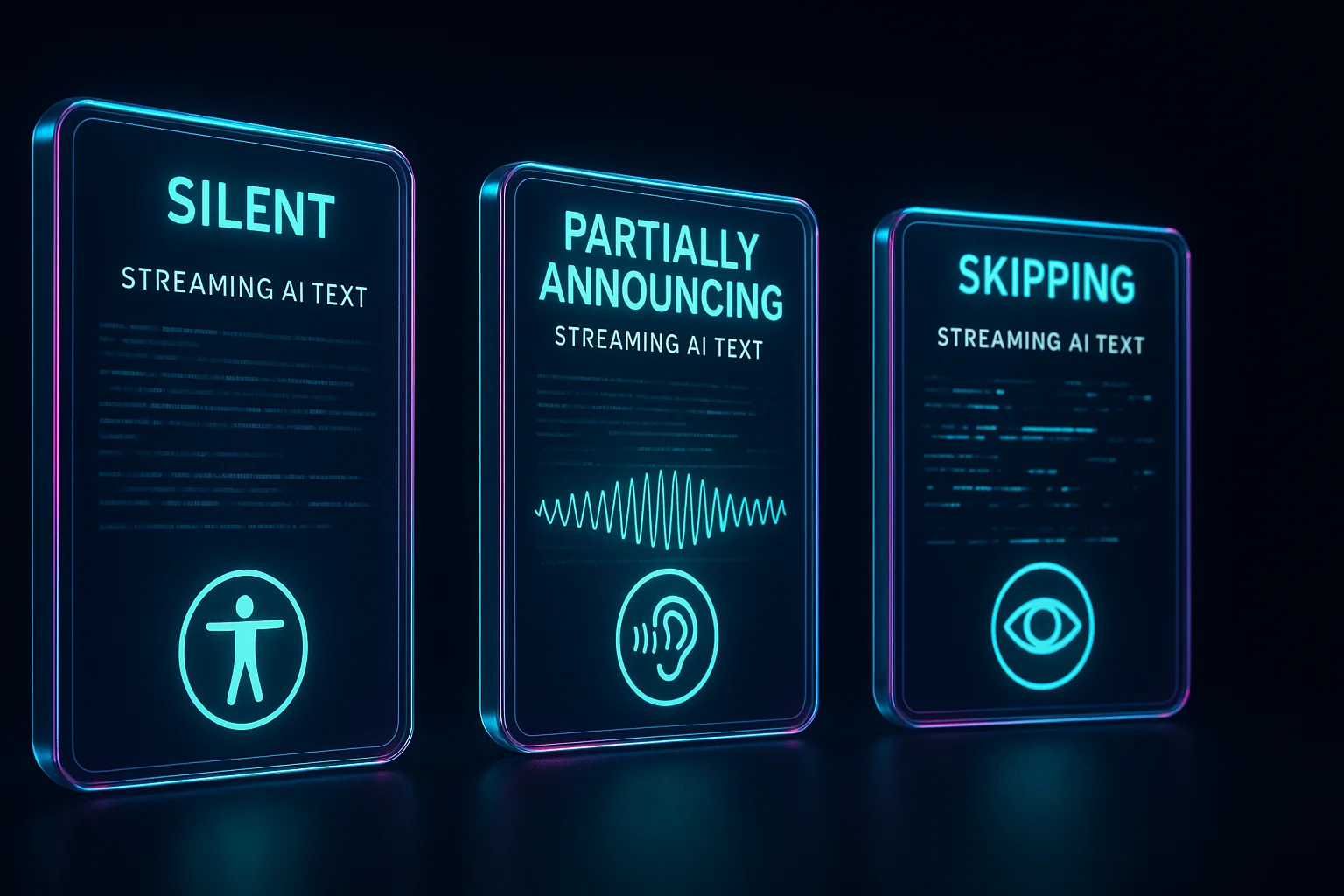
A screen reader user opens an AI chat interface. They type a question and wait. The AI begins streaming its response — tokens appearing one by one in the DOM. The screen reader does one of three things, depending on the implementation. In the best case, it announces each chunk of text as it appears, creating a choppy, fragmented listening experience that bears no resemblance to what sighted users see. In the common case, it announces nothing until the response is complete, leaving the user in silence wondering if the system received their input. In the worst case — and this happens more often than the industry wants to admit — it announces every DOM mutation as a separate event, flooding the user with a cacophony of partial words and aria-live updates that are functionally unusable.
This is not a niche problem affecting a small percentage of users. Over one billion people worldwide live with some form of disability. In the United States alone, 26 percent of adults have a disability. Screen reader usage has grown 30 percent in the past five years. And these users are not opting out of AI products — they need them. AI assistants, smart home controls, automated captioning, intelligent search — these tools have the potential to be profoundly empowering for people with disabilities. Instead, the accessibility gaps in AI interfaces are creating new barriers faster than the old ones are being removed.
The WCAG Gap
The Web Content Accessibility Guidelines are the foundation of digital accessibility. WCAG 2.2, the current standard, provides testable success criteria for making web content perceivable, operable, understandable, and robust. It has been enormously effective for traditional web interfaces. But it was written for a world of static and interactive content — pages that load, forms that submit, buttons that trigger predictable actions. AI interfaces violate assumptions that WCAG does not even know it is making.
Consider WCAG's Success Criterion 1.3.2: Meaningful Sequence. Content should be presented in a meaningful order. Straightforward for a static page. But what does meaningful sequence mean when an AI is generating content in real time, potentially revising earlier parts of its response as it continues? What does it mean when an adaptive interface rearranges its layout based on AI predictions about what the user needs? The criterion assumes content has a fixed sequence. AI content often does not.
Or consider Success Criterion 3.2.2: On Input. Changing the setting of any user interface component should not automatically cause a change of context unless the user has been advised beforehand. But AI-powered interfaces routinely change context in response to inputs — a conversational AI might navigate to a new view, trigger a search, or modify displayed content based on what it interprets from the user's message. The 'change of context' is the feature, not a side effect. WCAG assumes context changes are exceptional. In AI interfaces, they are the primary interaction pattern.
Five AI-Specific Accessibility Failures
Through testing with disabled users and auditing shipping AI products, five categories of accessibility failure emerge that are specific to AI interfaces and not covered by existing standards.
Failure 1: Streaming Content and Assistive Technology
The streaming text problem described in the opening is the most immediately impactful. When AI responses stream token by token, assistive technologies face a fundamental timing problem. Screen readers process the DOM at a different cadence than visual rendering. Using aria-live='polite' means the screen reader waits for a natural pause before announcing updates — but streaming text has no natural pauses. Using aria-live='assertive' forces immediate announcement of every update, which interrupts the user constantly. Neither option produces a usable experience.
The solution is a buffered announcement pattern. Instead of announcing individual tokens, accumulate streamed text into sentence-level or paragraph-level chunks and announce each chunk as a complete unit. This requires maintaining a buffer that watches for sentence boundaries (periods, question marks, paragraph breaks) and only triggers aria-live announcements when a complete thought has formed. The sighted user sees smooth streaming. The screen reader user hears coherent sentences. Both experience the response progressively, just at different granularities.
Failure 2: Adaptive UI and Spatial Memory
AI-powered interfaces increasingly adapt their layouts based on predicted user needs. A dashboard might reorganize its widgets based on what the AI thinks you will look at first. A navigation menu might reorder items based on usage patterns. An email client might surface different actions based on the content of the email. For sighted users, these adaptations can feel intelligent and helpful. For users with cognitive disabilities who rely on spatial consistency — knowing that the settings button is always in the top right, that the navigation follows a predictable order — adaptive layouts are disorienting and sometimes completely disabling.
The same applies to users who navigate with screen readers or keyboard-only input. Screen reader users build a mental map of page structure. When AI rearranges that structure, the mental map becomes invalid. Keyboard users memorize tab orders. When AI changes the tab order, muscle memory fails. These are not minor inconveniences. For users whose primary navigation strategy depends on predictability, an unpredictable layout is the equivalent of scrambling a sighted user's screen every time they blink.
Failure 3: Conversational UI and Cognitive Load
Conversational AI interfaces impose a cognitive load that traditional interfaces distribute across visual affordances. When you interact with a form, the labels, placeholders, and validation messages tell you what is expected. When you interact with a chatbot, you must formulate your request from scratch with no visible scaffolding. For users with cognitive disabilities, learning disabilities, or language processing disorders, this open-ended interaction model is significantly more demanding than a structured interface.
The accessibility response is not to abandon conversational UI but to augment it with structured alternatives. Offer suggested prompts that users can select rather than compose. Provide templates for common tasks. Allow switching between conversational and form-based interaction modes for the same task. Notion AI does this well — you can type a free-form prompt or choose from a menu of structured actions. Both paths reach the same AI capability, but the structured path reduces cognitive load for users who need it.
Failure 4: Voice-First Design Assumptions
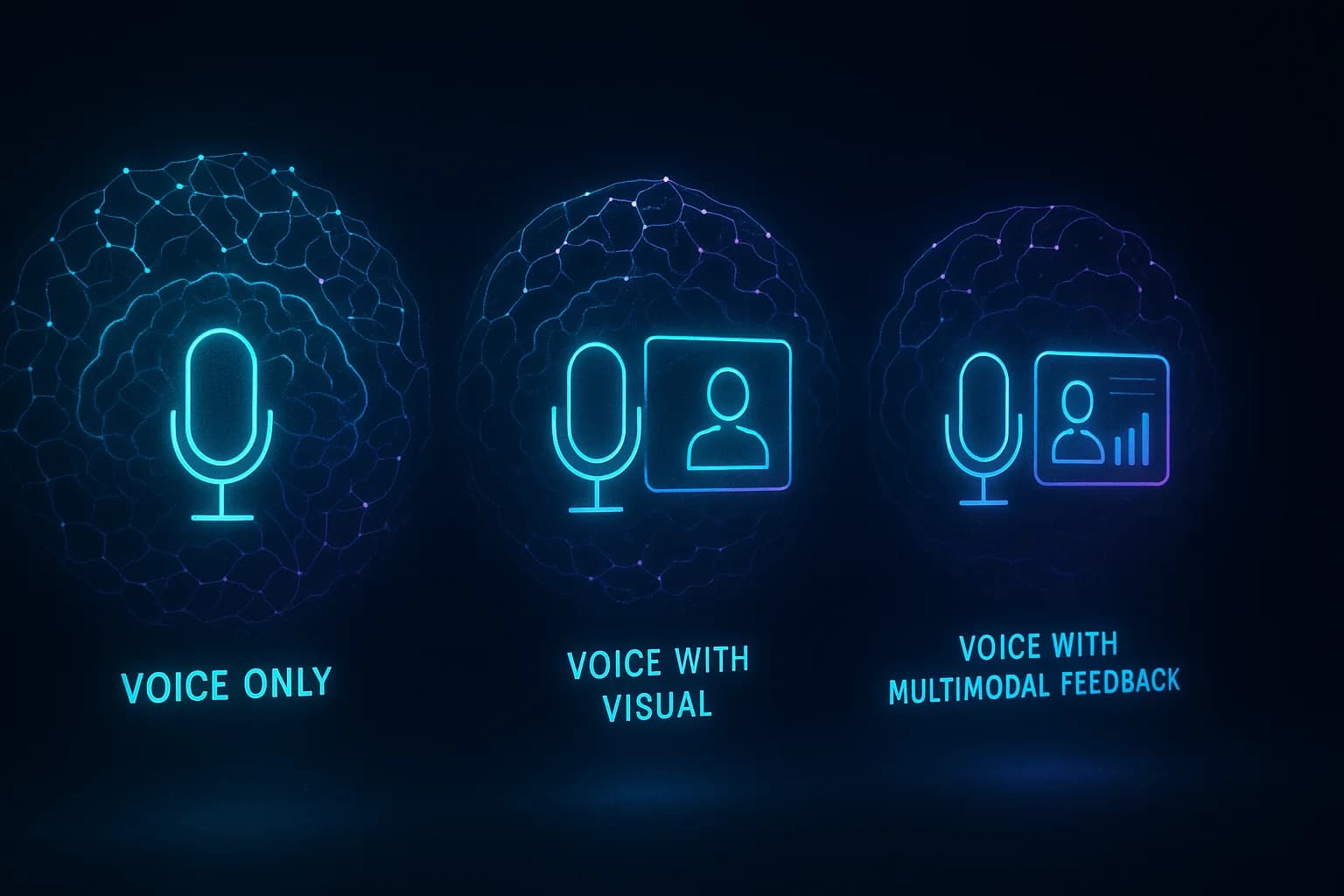
The rise of voice AI — smart speakers, voice assistants, voice-controlled applications — has created a massive accessibility gap for deaf and hard-of-hearing users. When the primary interaction modality is voice, users who cannot hear are excluded from the core experience. This seems obvious, yet major voice AI products ship routinely without visual or haptic alternatives for every voice interaction.
The EU AI Act, which began enforcement in 2025, explicitly requires that AI systems be accessible to persons with disabilities. Voice-first products that lack equivalent non-voice alternatives are not just inaccessible — they are increasingly non-compliant. The design response is modality equivalence: every interaction that can be accomplished through voice must also be accomplishable through text, gesture, or visual selection. Every voice output must have a simultaneous visual representation. This is not about captioning after the fact — it is about designing for multiple modalities from the start.
Failure 5: AI-Generated Content and Alt Text
AI systems increasingly generate visual content — images, charts, diagrams, data visualizations. When a human creates an image and adds it to a web page, WCAG requires alt text. But when an AI generates an image inline in a conversation, the alt text is often missing, generic, or meaningless. 'AI generated image' is not alt text. It tells a screen reader user nothing about what the image depicts.
The solution is to make alt text generation a first-class requirement of any AI image pipeline. If the system can generate an image from a prompt, it can generate a description from the same prompt. This description should serve as the alt text — not the prompt itself (which may be technical or shorthand) but a clear description of what the resulting image actually shows. For AI-generated charts and data visualizations, the alt text should include the key data points and trends, not just 'chart showing data.'
A Practical Framework for Accessible AI
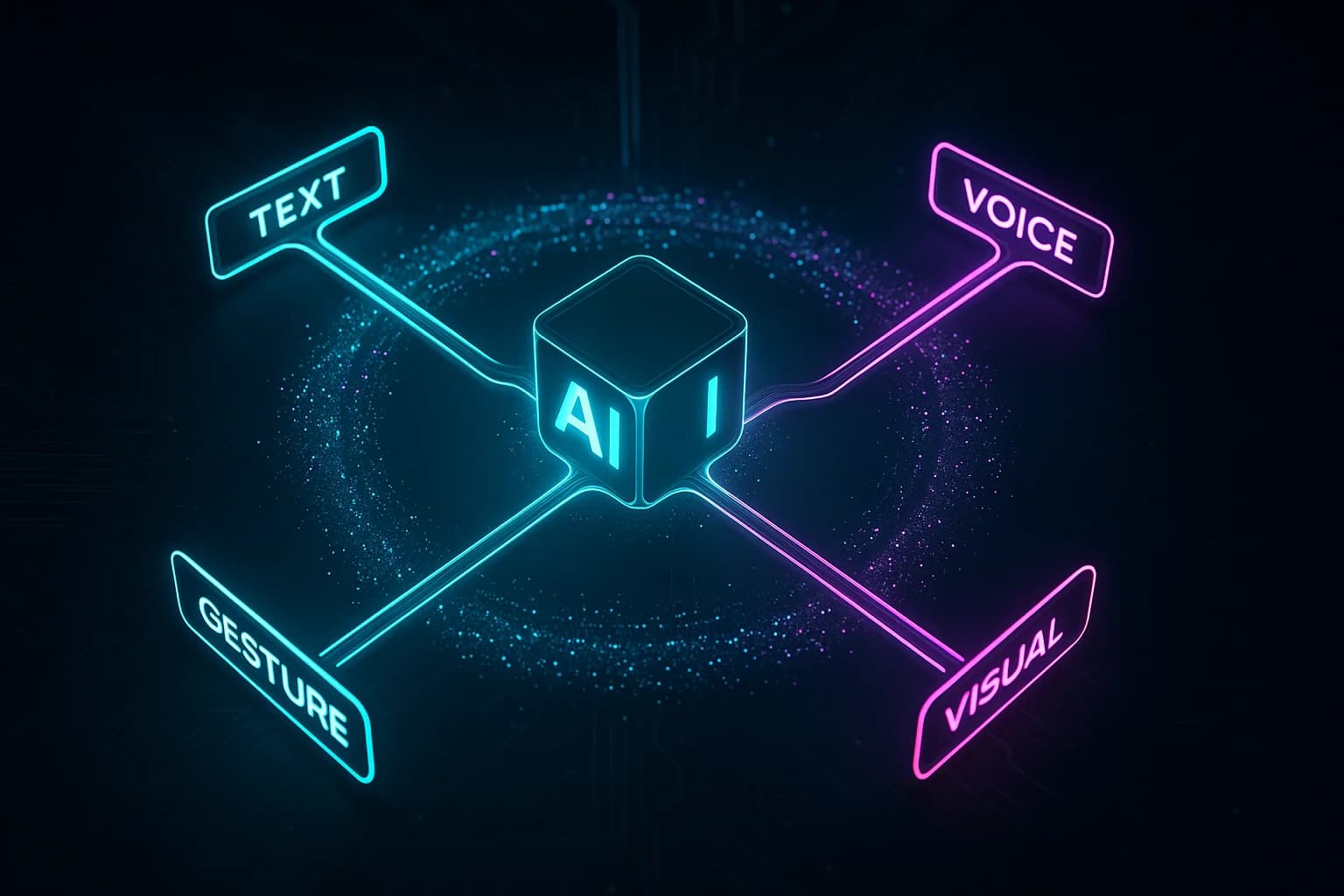
Fixing these gaps requires extending your accessibility practice, not replacing it. WCAG remains the foundation. What follows are six additional principles specifically for AI-powered interfaces.
- Buffered announcements: Stream AI text visually but announce it to screen readers in sentence-level chunks. Implement a text buffer that watches for semantic boundaries before triggering aria-live updates
- Structural stability: Anchor navigation landmarks, primary actions, and page structure in fixed positions. Allow AI-driven adaptations only within stable containers, never of the containers themselves
- Interaction mode alternatives: Provide structured alternatives (menus, templates, forms) alongside conversational interfaces for every AI capability. Let users choose their interaction complexity level
- Modality equivalence: Every voice interaction must have a text equivalent. Every visual AI output must have descriptive alt text generated automatically as part of the output pipeline
- Predictable AI behavior: When AI changes context, provide clear announcements, undo capabilities, and a way to return to the previous state. Never let AI silently change what the user is looking at
- Cognitive load management: Limit the number of AI-generated options presented simultaneously. Provide clear defaults. Allow users to set preferences for AI verbosity and suggestion frequency
An AI interface can pass every WCAG success criterion and still be catastrophically inaccessible. The gaps are not in what WCAG requires — they are in what WCAG does not address.
Testing AI Accessibility: What to Add to Your Audit
Standard accessibility audits test against WCAG success criteria. For AI interfaces, add these test scenarios to your audit protocol.
Screen reader streaming test: Use NVDA or VoiceOver to interact with every AI feature that produces streaming output. Record the experience. Is the response coherent when heard rather than read? Are there gaps where the screen reader goes silent? Are there floods of partial announcements? Test with both polite and assertive aria-live regions to understand the tradeoffs in your specific implementation.
Adaptive layout stability test: Navigate the interface using only a keyboard or screen reader. Trigger every AI-driven layout adaptation. After each adaptation, can you still find the primary navigation? Are critical actions still in predictable positions? Can you undo the adaptation? This test reveals whether your AI adaptations respect spatial memory.
Cognitive load assessment: Ask users with diverse cognitive abilities to complete the three most common tasks using your AI interface. Observe where they hesitate, where they ask for help, and where they abandon the task. Compare their experience to the same tasks completed through structured (non-AI) paths if available. The delta reveals your cognitive accessibility gap.
The tools that have the greatest potential to empower disabled users are the same ones creating new barriers. We have a narrow window to get this right before inaccessible patterns become entrenched.
The Path Forward
The accessibility community has been sounding this alarm for two years. The response from the AI industry has been glacial. Most AI product teams do not include disabled users in their testing. Most do not have accessibility specialists reviewing AI interaction patterns. Most are building for the majority and hoping the minority will manage.
This is not just an ethical failure. It is a strategic miscalculation. The EU AI Act, the European Accessibility Act, Section 508 updates, and the upcoming WCAG 3.0 standard are converging on a regulatory environment where AI accessibility is not optional. Companies that build accessible AI now will have a structural advantage. Companies that retrofit it later will pay the same penalty they paid for mobile responsiveness when they ignored the smartphone — except the regulatory fines will make the business case even more painful.
Start with three actions. First, add a screen reader user and a keyboard-only user to your next round of AI feature testing. You will discover failures you did not know existed. Second, implement buffered streaming announcements for every AI text output — this is the single highest-impact fix. Third, audit every AI-driven layout adaptation and add structural stability constraints. These three actions will not solve everything, but they will close the most dangerous gaps while the standards catch up to the technology.
Key Takeaways
- WCAG 2.2 was designed for static and interactive content — AI interfaces create accessibility gaps that current standards do not address
- Streaming AI text creates three failure modes for screen readers: fragmented reading, silent waiting, and announcement flooding — fix with buffered sentence-level announcements
- Adaptive AI layouts break spatial memory for users with cognitive disabilities and screen reader users — anchor critical elements in fixed positions
- Conversational AI interfaces impose high cognitive load — always provide structured alternatives (menus, templates, forms) alongside free-form input
- Every voice AI interaction needs text equivalents and every AI-generated image needs meaningful auto-generated alt text
- AI accessibility is both an ethical imperative and a competitive advantage as EU AI Act enforcement and WCAG 3.0 make compliance mandatory
The greatest irony of the AI accessibility crisis is that AI itself is one of the most powerful accessibility tools ever created. Automatic captioning, screen description, language simplification, alternative text generation, voice synthesis — these AI capabilities are transformative for disabled users. The crisis is not that AI is inherently inaccessible. It is that the interfaces wrapping AI are being built without the people who need them most in the room. That is a design choice, not a technology limitation. And design choices can be changed.
AccessibilityWCAGAI InterfacesInclusive DesignScreen ReadersEU AI Act
KEEP READING
Related Articles
Ethics & UX·21 min read
AI-Powered Personalization’s Dark Side: When Conversion Optimization Becomes Surveillance
Your A/B test shows 15% conversion lift from aggressive personalization, but churn jumps 20% next quarter. The game theory of short-term optimization vs. long-term trust demands a new engineering discipline: privacy-preserving adaptation.
AI UX Patterns·22 min read
Designing for Uncertainty: UX Patterns When AI Outputs Are Probabilistic
Traditional interfaces promise deterministic results. AI interfaces cannot. The gap between what users expect and what probabilistic systems deliver is where trust lives or dies — and most teams are designing for the wrong side of it.